

Install & Connect
What you need
Section titled “What you need”| Android version | 8.0 or newer |
| Bluetooth | Bluetooth Low Energy, which every phone of that age has |
| Internet | Only the first time you look at a map area, to fetch the tiles |
Map tiles are cached once fetched, so a course you have already looked at still draws with no signal — worth doing on shore before you go out.
Installing the app
Section titled “Installing the app”The app is distributed as a direct download rather than through the Play Store. The Downloads page has the current build and walks through the two extra steps Android asks for when a file does not come from the Play Store.
Permissions
Section titled “Permissions”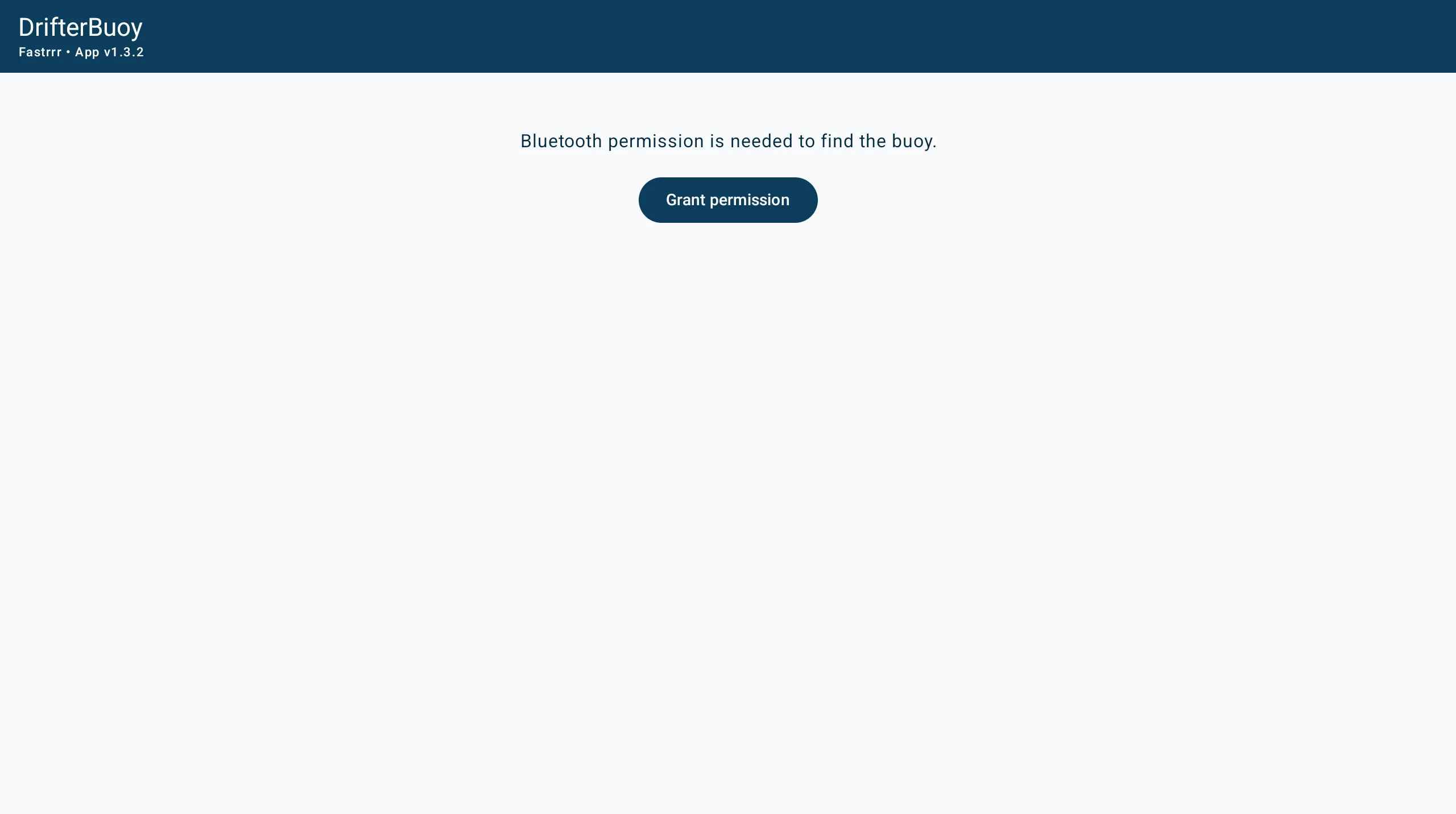
Which permission Android asks for depends on its version:
| Android version | Permission asked for |
|---|---|
| 12 and newer | Nearby devices |
| 11 and older | Location |
Tap Grant permission on the scan screen and Android’s own prompt appears. If Bluetooth itself is switched off, a Turn on Bluetooth button appears in the same place.
Finding the buoy
Section titled “Finding the buoy”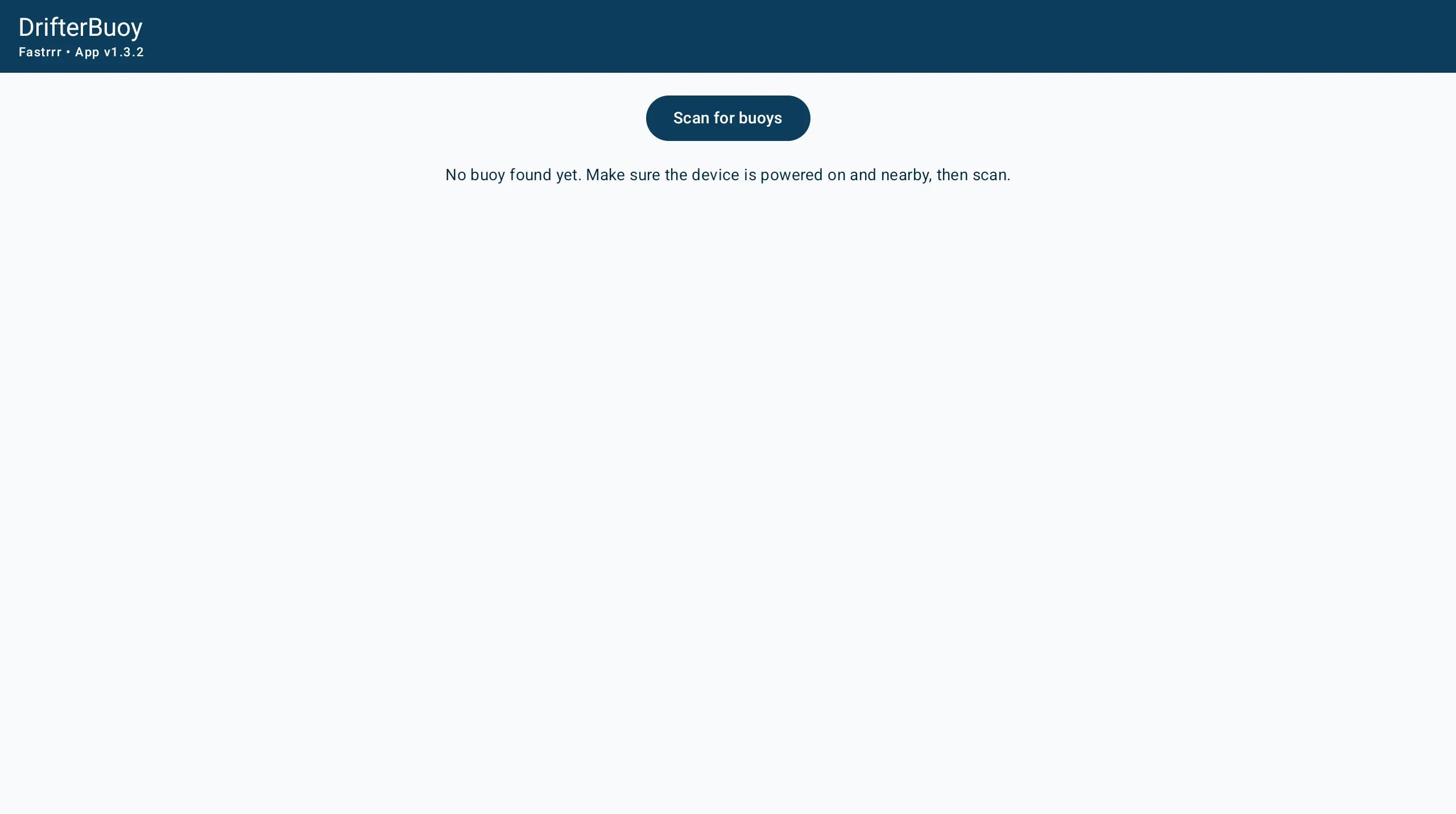
Switch the buoy on, press Scan for buoys, and it should appear within a few seconds. Each row shows:
- The name, such as
CMU30-0117 - The Bluetooth address underneath it
- The signal strength in dBm on the right
Signal strength is a rough distance cue: closer to zero is stronger. If two buoys are listed, the stronger one is usually the one next to you.
Tap an entry to connect. The header changes to Connecting to…, and the Live screen opens once the buoy answers.
If nothing appears, the screen says so: No buoy found yet. Make sure the device is powered on and nearby, then scan. See Troubleshooting.
If the app is older than the buoy
Section titled “If the app is older than the buoy”If the buoy speaks a newer protocol than the app understands, a warning appears saying which version the buoy is speaking and asking you to update the app.
Next steps
Section titled “Next steps”- Measuring — the Live screen and running a measurement
- Map — plotting the day’s measurements
- Getting Started — setting up the buoy itself
v1.3.0 · 2026-09-29 · 8e84846